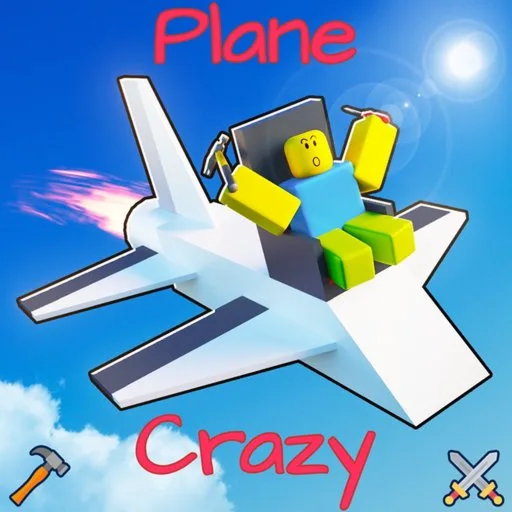
Plane Crazy puts you on a private plot and expects the first minutes to be spent placing parts, not following a mission. The experience is a physics sandbox for planes, cars, boats, rockets, trains, mechs, machines, and houses, with both PvP and peaceful play. A server holds 12 players.
Build toolbar
The documented build toolbar, from left to right, is:
- Build places parts.
- Delete removes parts. Opening the trash control also exposes delete-all for the whole creation.
- Configuration edits keybinds and parameters on parts that have them.
- Move shifts the entire craft inside the build area.
- Paint colors parts. One interface note describes HEX colors or presets, another describes RGB or BrickColor, and the same tool changes materials.
- Launch enters flight. A Main Pilot Seat has to be on the build.
A 2024 menu tour groups the build inventory into blocks, wings or lift, propulsion, mechanical parts, and an other tab that includes game-pass parts. A May 2025 interface tour still shows a game-pass menu and adds shader choices plus a clearer settings panel. Treat tab artwork as something that can move. The six jobs above are the stable set.
Launch without breaking the seat
Do not sit in the Main Pilot Seat and then press launch. Press the green launch control while you are not in that seat. The game teleports you into it. Sitting first is a documented way to make the vehicle fail to run.
In flight, W increases throttle and S decreases it. C cycles three cameras: third person, locked third person, and first person. Flip turns the build back upright and leaves it facing forward, described as north. The return control stops the flight, sends you to the plot, and puts the build tool back in your hands. A gravity slider affects only you and your build. Its reset value is 180, and the value can be typed.
The left-side flight bar shows current height at a red line and also a nearest height.
Where the build appears
Spawn can be changed in the settings control at the bottom right. The stable choices are your base, the water, the airport, and the rails. The base is the default. A May 2025 interface tour also shows conveyor and mountain spawns. If those two are absent from your menu, use the four older choices.
Cars and planes are better tested from the base. An older map note says wheel and control-surface steering can behave oddly when the vehicle is spawned at the airport.
Saves use the save icon in the bottom right and occupy save slots. An older writeup listed a 4,000,000 save-data cap. The December 11, 2025 community changelog records an option to go up to 12 million. Read the number in your own save UI rather than trusting either figure forever.
Passes that change the toolset
Some parts are sold as Roblox game passes. Names that appear on the pass catalog include seasonal item packs, a jetpack for building tall structures, speakers, a hover block, neon material, super speed on the Ctrl run key, and a drag selector for editing many blocks at once. The move tool is described as already including a free drag selector. Prices are omitted here because older listed prices were not rechecked against the live store.
Infinite fuel can be turned off in settings. If it is off, propeller, jet, and rocket engines need Fuel Tank or Fuel Tank Beam parts. Most players leave infinite fuel on.